


Back Pain Relief Tips for Office Workers in Atlanta
Working in an office in Atlanta can really do a number on your back. You’re sitting for hours, maybe not in the best posture, and before you know it, that nagging ache turns into something more serious. It’s easy to forget about your body when you’re focused on deadlines, but your back needs attention. This guide is here to help you find some relief and prevent future problems, right here in our city.
Table of Contents
ToggleKey Takeaways
- Adjust your office chair so your elbows are at a 90-degree angle and your feet rest comfortably on the floor or a footrest. Ensure your lower back is supported by the chair’s natural curve or a cushion.
- Position your computer monitor so the top edge is at or slightly below eye level to prevent neck strain. Keep it about an arm’s length away.
- Incorporate movement throughout your workday by taking short breaks to walk around or do simple stretches. Consider a standing desk to alternate between sitting and standing.
- Invest in ergonomic equipment like adjustable chairs, keyboards, and mice designed to support neutral posture and reduce strain.
- If back pain persists, consult a specialist. Explore non-surgical treatments and understand your rights regarding workplace accommodations in Atlanta.
Optimizing Your Atlanta Workspace for Back Pain Relief
Spending hours at a desk in Atlanta can really do a number on your back. It’s not just about having a fancy chair; it’s about how you set up your whole workstation. Getting this right can make a huge difference in how you feel at the end of the day.
Ergonomic Chair Adjustments for Spinal Health
Your chair is your primary support system, so making sure it fits you is key. You want to aim for a neutral spine position, meaning your back has its natural curves. Start by adjusting the height so your feet are flat on the floor and your knees are roughly level with your hips. If your feet don’t quite reach, a footrest is your friend. Next, check your back support. Most chairs have a lumbar adjustment; use it to support the natural inward curve of your lower back. You shouldn’t feel like you’re being pushed too far forward, but rather gently supported. Your elbows should be able to rest at about a 90-degree angle when your hands are on the keyboard, with your shoulders relaxed, not hunched up.
- Feet flat on the floor or footrest.
- Knees at hip height or slightly lower.
- Lumbar support filling the natural curve of your lower back.
- Elbows at a 90-degree angle, shoulders relaxed.
Proper Monitor and Keyboard Placement
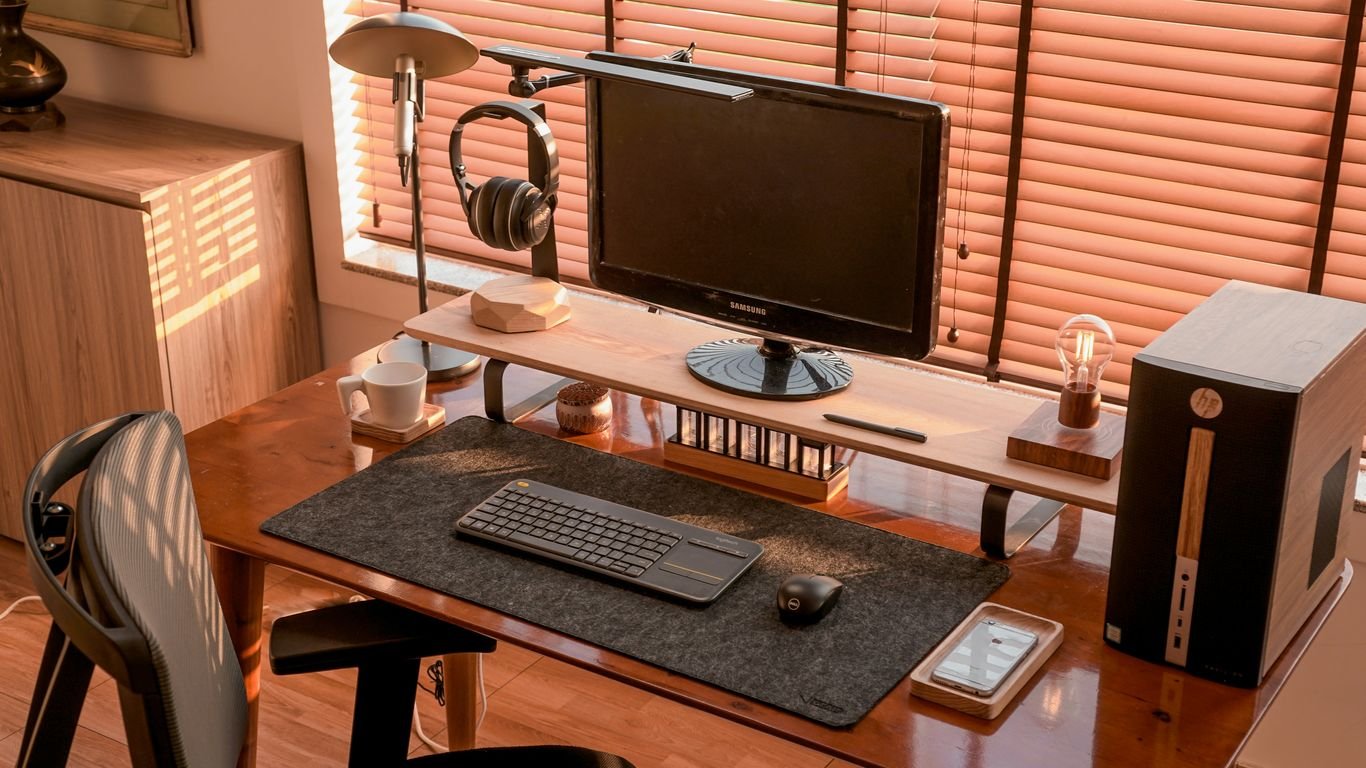
Where you place your screen and keyboard matters a lot for your neck and upper back. Your monitor should be positioned directly in front of you, not off to the side. The top edge of the screen should be at or slightly below eye level. This way, you’re not craning your neck up or hunching down to see. A good rule of thumb is to have the screen about an arm’s length away. For your keyboard and mouse, keep them close enough so you don’t have to reach. Your wrists should be straight, not bent up or down, when you’re typing.
Think of your workstation as a cockpit. Everything you need should be within easy reach, allowing you to maintain a relaxed, neutral posture without unnecessary strain.
Utilizing Footrests and Lumbar Support
Sometimes, even with a good chair, you need a little extra help. A footrest is great if your feet dangle or if you need to adjust your leg position for comfort. It helps maintain proper hip and knee alignment. Lumbar support, whether built into the chair or a separate cushion, is vital for maintaining that natural lower back curve. It takes pressure off your spinal discs. If you find yourself slouching, it’s a sign your support might not be quite right.
- Footrests: Use if your feet don’t comfortably reach the floor. They help maintain good posture and reduce pressure on your legs.
- Lumbar Cushions: Add to your chair if it lacks adequate lower back support. They help maintain the spine’s natural curve.
- Armrests: Adjust them so your arms can rest comfortably, supporting your elbows at that 90-degree angle without shrugging your shoulders.
Combating Sedentary Lifestyles and Back Pain in Atlanta
The Dangers of Prolonged Sitting
Spending hours glued to your office chair in Atlanta can really do a number on your back. It’s not just about feeling stiff; prolonged sitting puts a lot of pressure on your lower back and spinal discs. When you slouch, which is super common when you’re focused on a screen, your ligaments and discs get stretched more than they should. Over time, this can lead to some serious long-term issues and chronic pain that’s tough to shake. It’s like your body is constantly under strain, even when you think you’re just relaxing.
Incorporating Movement Throughout Your Workday
So, what can you do about it? The simplest thing is to just get up and move. Seriously, it doesn’t have to be a full workout. Try taking short breaks every 30 minutes or so. Even just standing up, walking to the water cooler, or doing a quick stretch can make a big difference. Here are a few ideas:
- Neck Rolls: Gently tilt your head towards one shoulder, then roll it forward, and then towards the other shoulder. Repeat a few times in each direction.
- Seated Twists: Sit up tall in your chair, and gently twist your torso to one side, looking over your shoulder. Hold for a few seconds, then switch sides.
- Desk Push-ups: Stand facing your desk, place your hands on the edge, and do a few push-ups. This gets your upper body moving.
- Calf Raises: While standing, lift your heels off the ground, hold for a moment, and then lower them. This helps with circulation.
Even small movements add up. Think of it as giving your body a little reset throughout the day to keep things from getting too tight and achy.
Benefits of Standing Desks for Atlanta Workers
If you’re looking for a more significant change, consider a standing desk. These adjustable desks, popular among Atlanta workers, let you switch between sitting and standing. Studies have shown that using these desks can significantly cut down on upper back and neck pain, and even help with lower back discomfort. Standing engages your core and leg muscles more, which is great for your overall posture and back health. It’s a simple switch that can lead to noticeable relief from the daily grind of sitting.
Stretches and Movement to Alleviate Back Pain
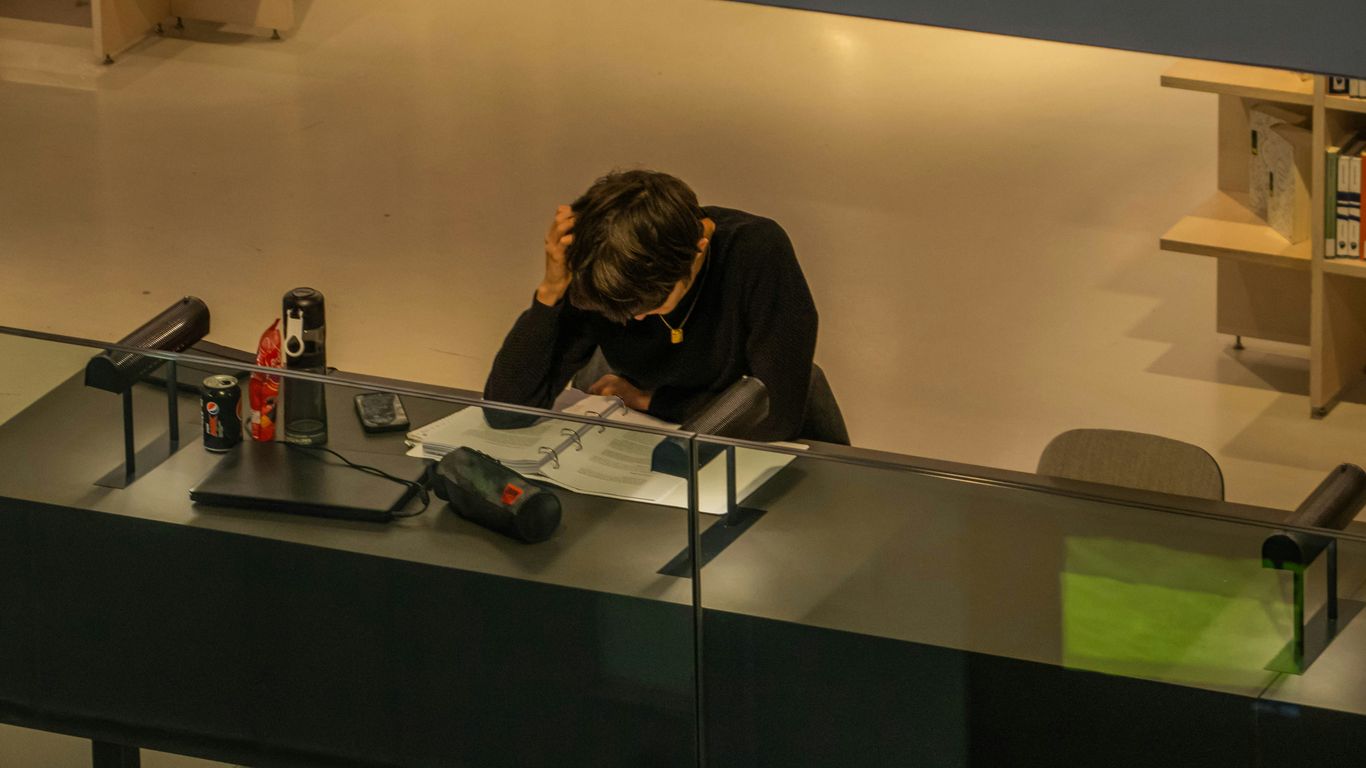
Spending hours at a desk in Atlanta can really do a number on your back. It’s not just about sitting all day; it’s about how you sit and how often you move. Even the most comfortable office chairs can contribute to discomfort if you’re not careful. Long periods of sitting put a lot of pressure on your back muscles and discs, especially in your lower back. Slouching forward towards your computer screen is a common culprit, overextending ligaments and discs, which can lead to long-term issues if not addressed.
Your neck and shoulders often bear the brunt of desk work. Try these simple movements to loosen things up:
- Neck Tilts: Gently tilt your head towards your right shoulder, hold for a few seconds, then repeat on the left. Don’t force it; just feel a gentle stretch.
- Neck Rotations: Slowly turn your head to look over your right shoulder, hold, and then do the same for the left. Keep your shoulders relaxed.
- Shoulder Rolls: Roll your shoulders forward in a circular motion a few times, then reverse the direction, rolling them backward. This helps release tension built up in the upper back and shoulders.
When your lower back starts to ache, these exercises can offer some relief. Remember to move slowly and listen to your body.
- Seated Twists: Sit up tall in your chair, feet flat on the floor. Gently twist your torso to the right, looking over your shoulder. Hold for a few breaths, then return to center and repeat on the left side. This is a great way to get some movement in your spine without leaving your seat.
- Knee-to-Chest (Seated): While sitting, bring one knee up towards your chest, holding it gently with your hands. Hold for 15-30 seconds, then switch legs. This helps to stretch the muscles in your lower back and hips.
- Cat-Cow Stretch (Modified): If you have space, you can do a modified version of this on your desk. Place your hands on the desk edge, arch your back like a cat, then let your belly drop and look up slightly like a cow. This gentle movement can help mobilize your spine.
Honestly, the best thing you can do is just move. Get up and walk around for a minute or two every 20-30 minutes. Even just standing up and shifting your weight can make a big difference. If you have a standing desk, alternate between sitting and standing throughout the day. Making a habit of adjusting your position frequently is key to combating stiffness and fatigue. It’s not about doing a full workout at your desk, but about incorporating small movements that keep your body from getting too locked into one position. For more ideas on stretches you can do at your desk, check out these effective stretches.
The human body isn’t designed to stay in one position for extended periods. Regular movement, even small shifts, helps maintain blood flow, reduces muscle strain, and keeps your spine healthier. Think of it as giving your body a mini-break every so often.
Choosing the Right Equipment to Prevent Back Pain
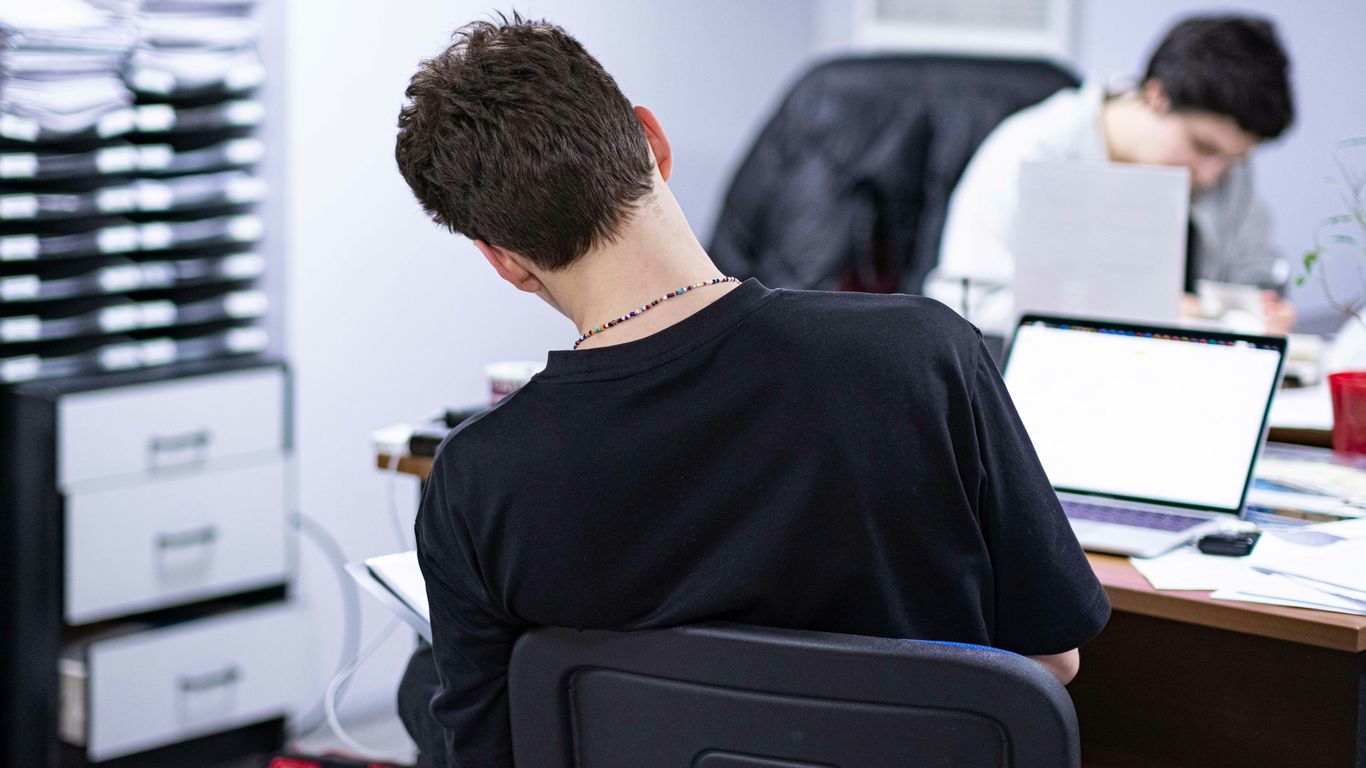
When you spend a good chunk of your day at a desk, the gear you use really matters for your back. It’s not just about having a chair; it’s about how that chair, your desk, and even your keyboard work together with your body. Getting this setup right can make a huge difference in preventing that nagging office back pain.
Selecting an Ergonomic Chair
An ergonomic chair is your first line of defense. Look for one that supports the natural curve of your lower back. This helps keep your spine in a neutral position, which is way better than slouching. Make sure the chair lets you sit all the way back so your spine actually uses that built-in lumbar support. If your feet don’t quite reach the floor, a footrest can help keep your thighs level and take pressure off your back. Also, check that there’s a comfortable gap between the edge of the seat and the back of your knees – you don’t want it digging in. A chair that swivels and has a stable base is a good bet too, making it easier to move around without straining.
Adjustable Desks and Accessories
Beyond the chair, think about your desk and other bits and pieces. If you have a desk that can be raised or lowered, that’s a big plus. It helps you find that sweet spot where your arms can rest comfortably at a 90-degree angle while you type. Accessories like document holders are surprisingly helpful. They bring papers up to eye level, so you stop craning your neck down. If you use a laptop, a riser can lift the screen, but you’ll want a separate keyboard and mouse to keep your arms in a good position. Don’t forget about headsets for phone calls; cradling the phone between your ear and shoulder is a fast track to neck and shoulder pain.
Ergonomic Keyboards and Mice
Your hands and wrists play a role in your overall posture, too. Standard keyboards and mice can force your wrists into awkward angles over time. Ergonomic keyboards are often split or curved to keep your hands in a more natural position. Similarly, some ergonomic mice are designed to hold your hand in a more upright, neutral stance. Trying out different types of ergonomic keyboards and mice can help you find what feels best for your hands and wrists, reducing strain that can travel up your arms and into your back.
Setting up your workspace correctly isn’t a one-time fix. It’s about making conscious adjustments throughout the day. Pay attention to how your body feels and tweak your setup as needed. Small changes can lead to significant relief over time.
Seeking Professional Help for Back Pain in Atlanta
Even with the best ergonomic setups and regular movement, sometimes back pain just doesn’t go away on its own. If you’re in Atlanta and dealing with persistent discomfort, it might be time to look into professional help. Ignoring ongoing pain can lead to bigger issues down the road, and honestly, who wants that?
When to Consult a Specialist
So, when exactly should you pick up the phone and make an appointment? It’s not always obvious. Generally, if your pain is:
- Sudden and severe, especially after an injury.
- Lasting for more than a few weeks, even with home care.
- Accompanied by numbness, tingling, or weakness in your legs.
- Interfering significantly with your daily work or life.
These are all signs that it’s worth getting a professional opinion. Don’t just tough it out if it feels serious. Atlanta has many specialists who can figure out what’s going on. For instance, pain management specialists can offer a range of diagnostic and treatment options.
Holistic and Non-Surgical Treatment Options
Many folks in Atlanta are finding relief through treatments that don’t involve surgery. This is great news because surgery often comes with its own set of risks and a long recovery time. You might find that approaches like physical therapy, chiropractic care, or even acupuncture can make a big difference. These methods often focus on addressing the root cause of the pain rather than just masking symptoms. Some clinics offer a combination of therapies, aiming for a whole-body approach to healing. It’s about getting you back to feeling good without the need for invasive procedures.
The goal of seeking professional help isn’t just to stop the pain temporarily. It’s about understanding why the pain is happening and developing a plan to prevent it from coming back. This often involves a mix of hands-on treatment, exercises, and lifestyle adjustments tailored specifically to you.
Understanding Workplace Accommodation Rights
If your back pain is impacting your ability to do your job, you might have rights regarding workplace accommodations. Depending on your situation and employer, you may be entitled to adjustments that can help you work more comfortably and safely. This could include things like a more ergonomic chair, a standing desk, or even modified work duties. It’s a good idea to familiarize yourself with your rights, especially if your employer is based in Georgia. Sometimes, a simple conversation with HR or your manager, backed by a doctor’s note, can lead to changes that make a huge difference in your daily comfort and productivity.
Wrapping Up Your Back Pain Journey
So, we’ve talked a lot about how to make your office life in Atlanta a little easier on your back. It’s not always about big changes; sometimes, just tweaking how you sit or remembering to get up more often can make a real difference. Don’t forget to check your desk setup and make sure your chair is actually helping you, not hurting you. If you’ve tried these tips and still feel that nagging pain, it might be time to chat with a professional. There are folks here in Atlanta who can help figure out what’s going on and get you back to feeling good. Taking care of your back is a marathon, not a sprint, so keep at it!
Frequently Asked Questions
How can I set up my desk to avoid back pain?
Make sure your computer screen is at eye level so you don’t have to crane your neck. Your elbows should be at a 90-degree angle when typing, and your feet should rest flat on the floor or on a footrest. Keep your main work tools close by to avoid reaching awkwardly.
What's the big deal about sitting too much?
Sitting for long hours can make your back muscles stiff and tense. It puts a lot of pressure on your back, especially your lower back. This can lead to pain and even long-term problems if you don’t move around.
Are standing desks really helpful for back pain?
Yes, standing desks can be very helpful! They let you switch between sitting and standing, which keeps your muscles from getting stiff. Many people find they have less neck and back pain when using them.
What are some simple stretches I can do at my desk?
You can do gentle stretches like slowly turning your head side to side, tilting it forward and back, or gently tilting it towards your shoulder. For your back, try reaching one arm over your head while bending to the side, or a seated twist where you gently turn your upper body.
How do I know if I need to see a doctor for my back pain?
If your pain is severe, doesn’t get better with simple remedies, or affects your daily life a lot, it’s a good idea to see a specialist. They can help figure out the cause and suggest the best treatment for you.
Can my employer help me with back pain at work?
Yes, in many cases. If you have a condition that causes pain, like arthritis, your employer might be able to make changes to your workspace or schedule to help you. It’s worth looking into your workplace rights for accommodations.